Seedance 2.5 S logoSeedance 2.5

Seedance 2.5 AI Video Generator with 30-Second Stories

Turn a text prompt and optional image, video, or audio references into a generated video with sound, reference control, and focused editing options.

Up to 30-Second Videos
Text-to-Video Creation
Image, Video & Audio References
Focused Visual & Sound Edits
Video with Generated Sound

Create with Seedance 2.5

Choose the input you already have.

Keep the current output choices visible while you create.

Higher resolution uses more credits
5s
AudioGenerated with video
Estimated charge25 credits

Seedance 2.5 example

From Direction to a Finished Video

OVERVIEW

What Is Seedance 2.5?

Use one creation tool to turn a prompt and optional references into a longer video with coordinated picture, movement, and sound.

Seedance 2.5 is an AI video generator for stories that need more than a brief visual beat. Enter a written scene, then add image, video, or audio references when a subject, movement, rhythm, or sound needs firmer control. The tool combines those inputs into a generated video with audio, so the page leads directly from an idea to a creation task.

The workspace is intended for filmmakers, creative teams, and video creators who want one place to enter the core request and the references that shape it.

The model can create up to 30 seconds in one generation and can extend a result up to two times. This duration supports tasks that need several related visual beats instead of one very short clip. It also gives creators a single generated sequence to refine when the first result needs a focused change.

Reference control lets each upload do a practical job. A source video can guide framing, camera movement, pacing, or blocking. Images can establish the look of a subject or scene, while audio can guide rhythm, performance, or sound. After generation, a focused edit instruction can change a selected visual or sound element without replacing the rest of the request. You stay in a direct input, generate, and refine workflow.

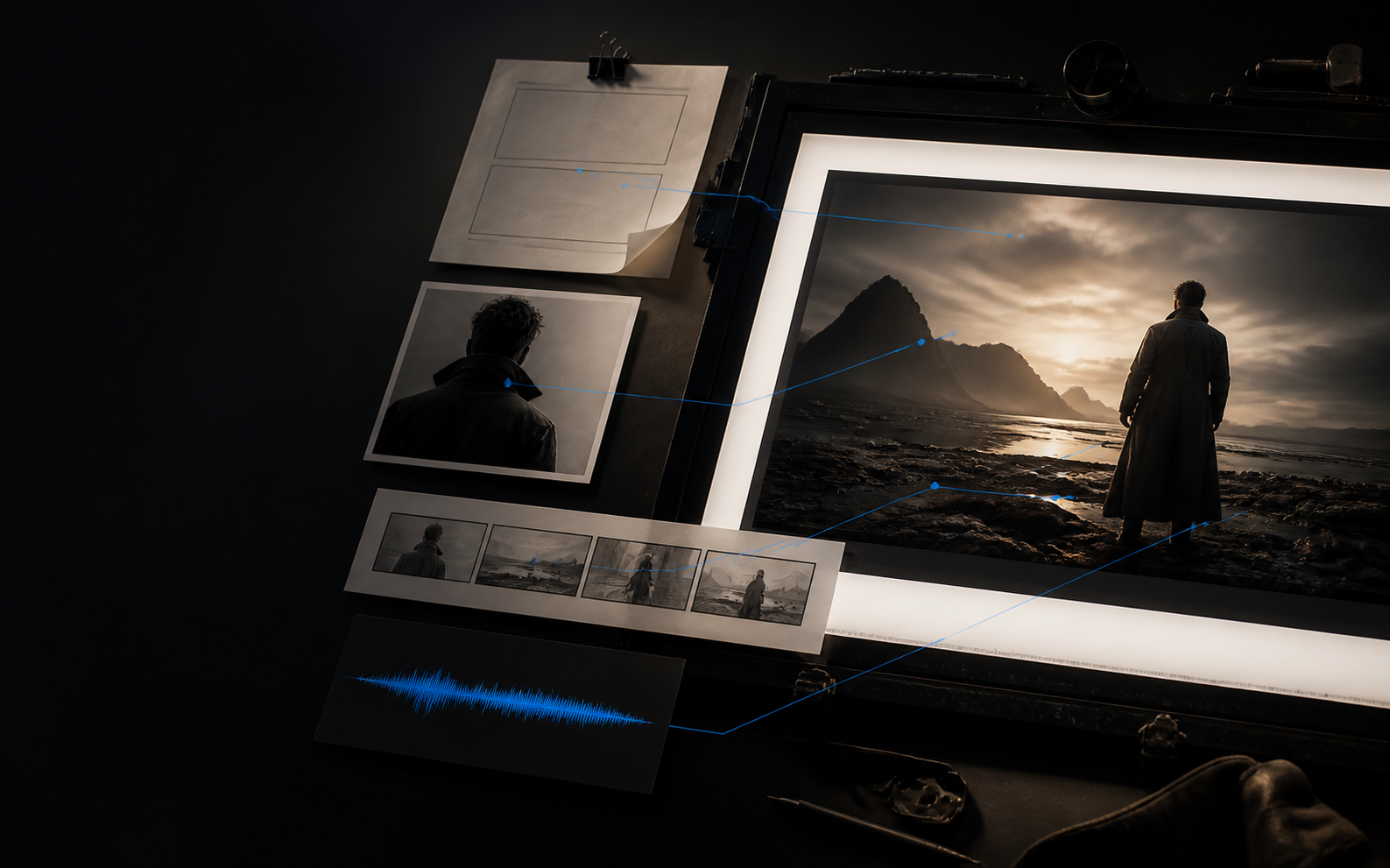
Prompt, image, storyboard, and audio references converging into a cinematic video sequence
Illustrative workflow concept.

Seedance 2.5· 30-second stories· reference control· video and sound

CONTROL

Key Features of Seedance 2.5

Move from a written scene to a longer, reference-led video while keeping each creative instruction tied to a visible result.

Create a Complete 30-Second Story

You can generate a video up to 30 seconds long in one pass, giving the action enough time to establish a place, develop a beat, and reach a clear ending. When the story needs more room, extend the result up to two times while continuing the existing direction.

Direct with Multiple Reference Types

Combine a text prompt with image, video, and audio references. Each input can carry a different part of the direction: appearance from an image, movement or framing from video, and rhythm or sound character from audio. The tool brings those instructions into one generated sequence.

Keep Cinematic Language from a Source Video

Use a reference video to control more than copied motion. Seedance 2.5 can follow framing, shot rhythm, camera movement, and the broader cinematic intention. This helps you carry a deliberate visual language into a new subject, environment, or style.

Edit Visual Details with Direct Instructions

Change selected elements in an existing video direction without rewriting the entire scene. You can ask for a different setting, prop, wardrobe detail, or visual treatment while preserving the rest of the requested composition, making focused changes easier to communicate.

Shape Sound Alongside the Picture

You can direct audio and visuals as parts of the same sequence. The tool supports generated sound as well as requests such as removing music or adding narration that fits the picture. This gives spoken lines, ambience, rhythm, and action a shared creative brief.

Control Blocking and Green-Screen Scenes

You can use white-model references to guide camera movement, pacing, framing, and subject paths, or keep foreground action from green-screen footage while replacing the environment. These controls turn previsualized movement and isolated performances into finished scene directions.

RANGE

How to Use Seedance 2.5

See how the tool moves from your prompt and references to a generated video, then accepts a focused follow-up edit.

  1. Add the Inputs That Matter

    Enter a prompt, then attach only the image, video, or audio references needed for the task. An image can define appearance, a source clip can guide movement, and audio can establish timing or sound character.

  2. Generate One Audiovisual Result

    Seedance 2.5 brings the prompt and selected references into one video task. The requested picture and sound share the same input context instead of being described as separate, unrelated outputs.

  3. Refine One Selected Detail

    Use the generated video as the next input when one detail needs work. Request a background, prop, wardrobe, narration, or music change while keeping the rest of the sequence focused on the original task.

    Read the complete Seedance 2.5 guide for detailed prompt structure, reference roles, timing, sound direction, and editing examples.

FOCUS

Why Choose Seedance 2.5?

Choose one tool when the result depends on longer duration, clear reference roles, coordinated sound, and targeted visual changes.

Longer direction

Create a Longer Connected Result

Generate up to 30 seconds in one task when several related visual beats need more time than a brief clip. The model also supports up to two extensions when the requested sequence needs additional duration.

Reference roles

Assign a Clear Role to Each Upload

Use images for appearance, video for movement or framing, and audio for timing or sound. Clear reference roles make the request easier to control and reduce conflicts between inputs.

Focused revision

Update Only What Needs Work

Ask for a focused visual or sound edit without rebuilding the complete request. Change a background, prop, wardrobe detail, narration, or music choice while retaining the elements you want to keep.

Production control

Reuse Motion and Foreground Action

Use white-model motion and camera timing, or retain a green-screen performance while replacing its environment. The tool can carry those source actions into the generated result instead of treating the uploads as decorative references.

SCENARIOS

Use Cases for Seedance 2.5

Match each creative task with the prompt, reference material, and final details that matter most to that situation.

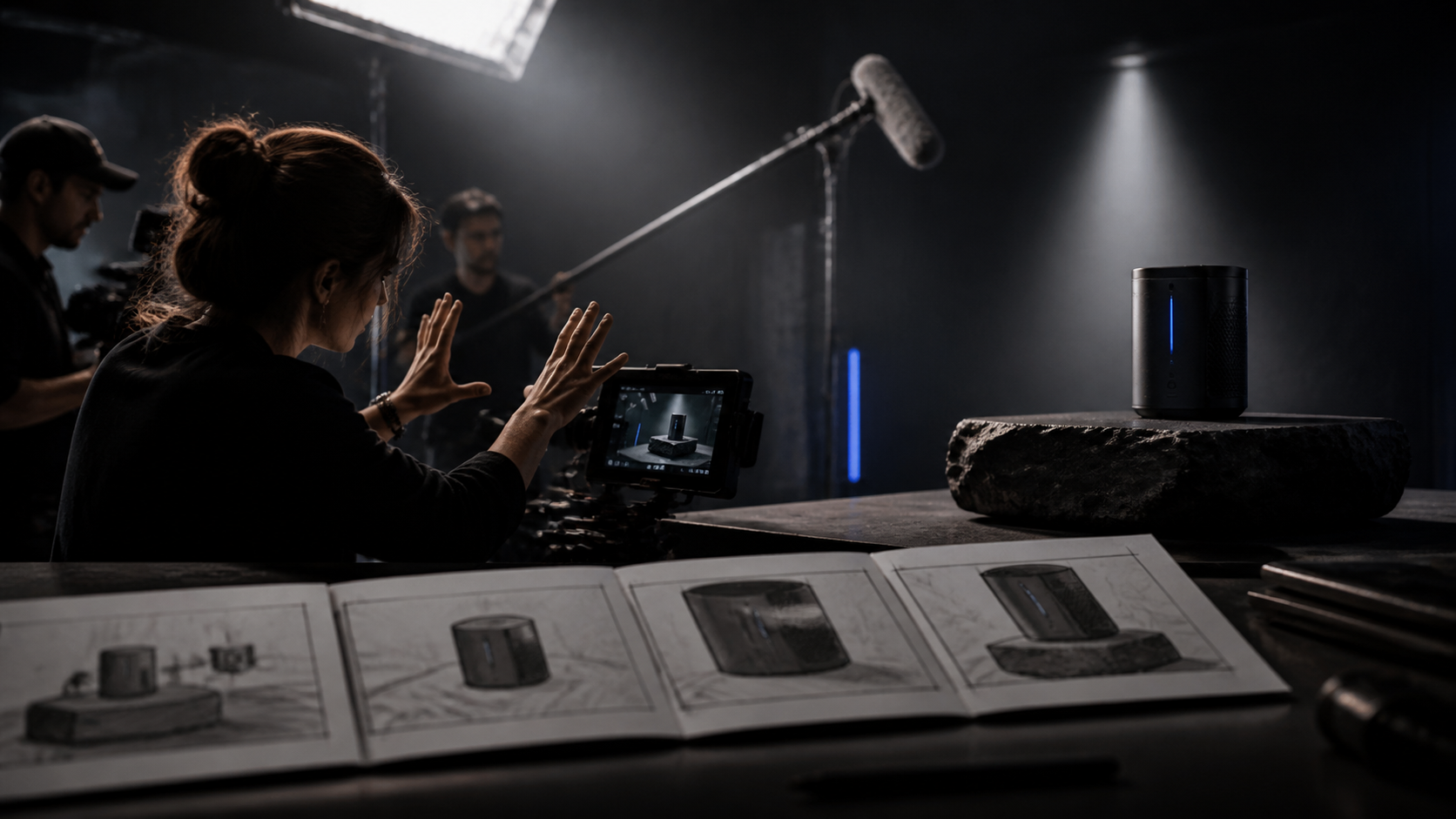
A Narrative Brand Film production workflow concept
Illustrative workflow concept.

A Narrative Brand Film

Use a prompt to describe the brand subject and the sequence you want to generate, then add product or environment images for appearance. This task benefits from the available duration when several related visual beats belong in the same request.

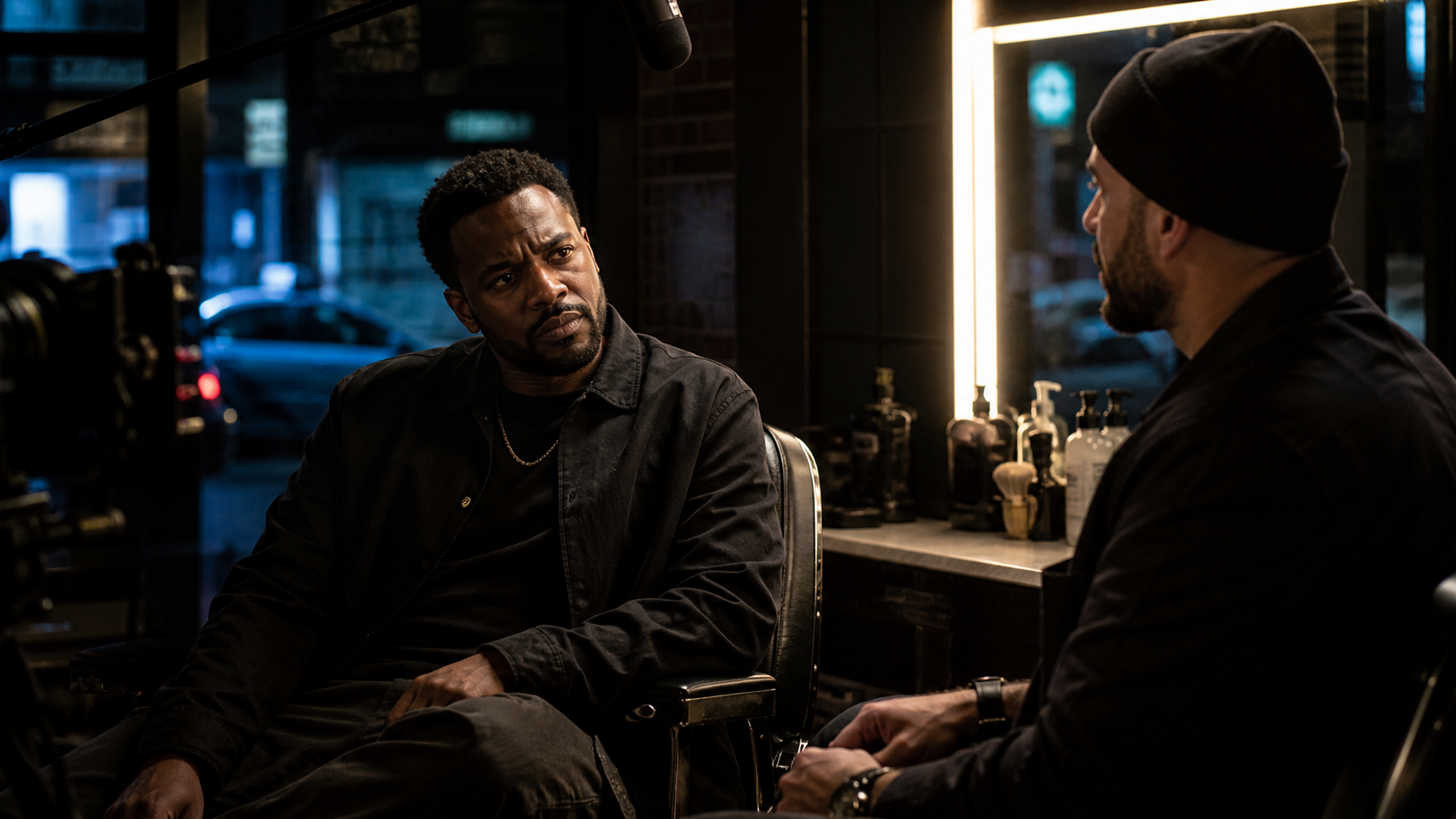
A Character Dialogue Scene production workflow concept
Illustrative workflow concept.

A Character Dialogue Scene

Describe the characters, location, visible action, camera distance, and intended sound. Add character images when appearance matters. The tool can use those references and the prompt together without requiring a separate visual request for each character.

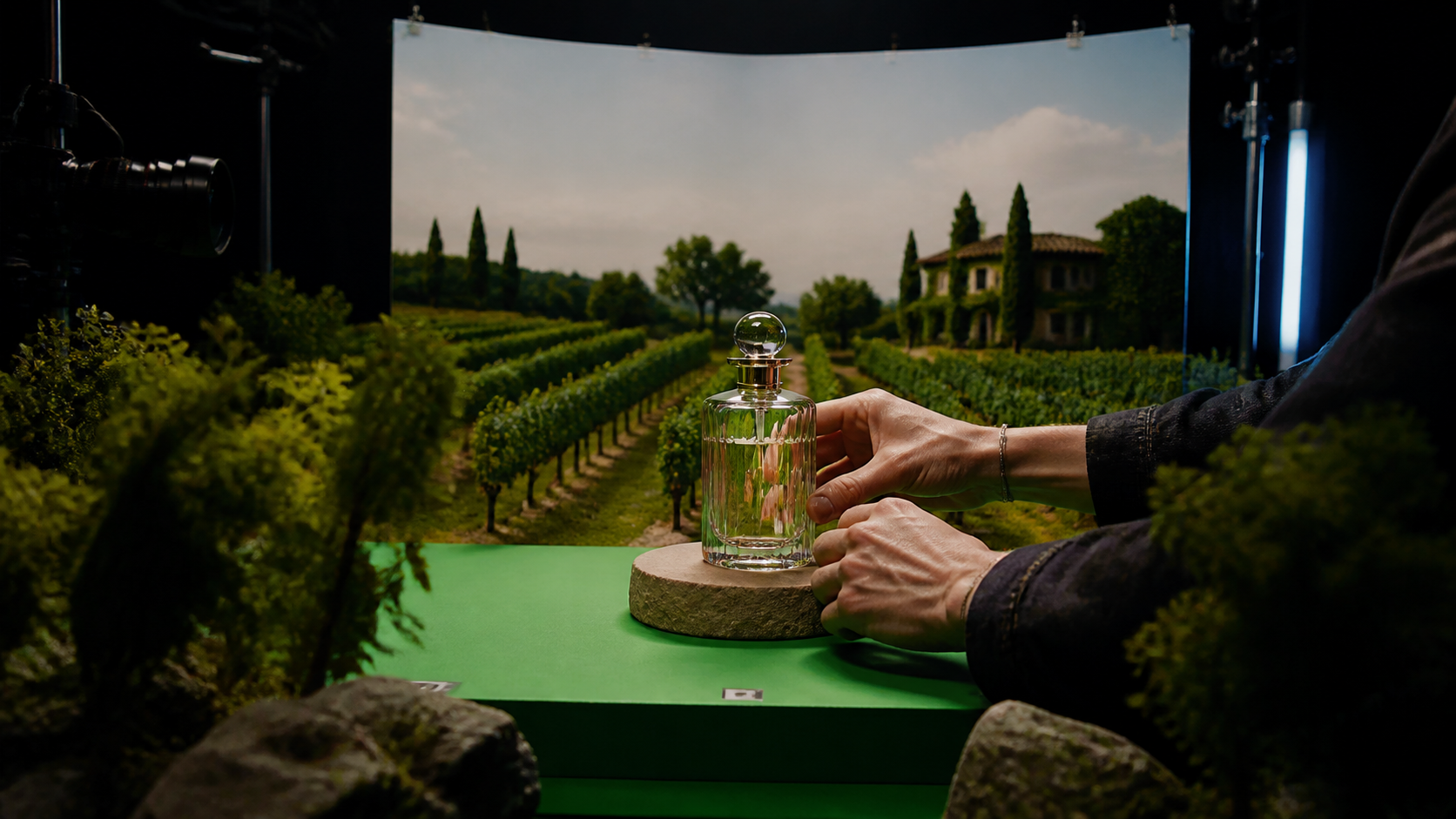
A Product World Replacement production workflow concept
Illustrative workflow concept.

A Product World Replacement

Upload source footage with the product or foreground action, then request a different environment around it. Use the editing instruction to identify the background change and the source elements that should remain in the task.

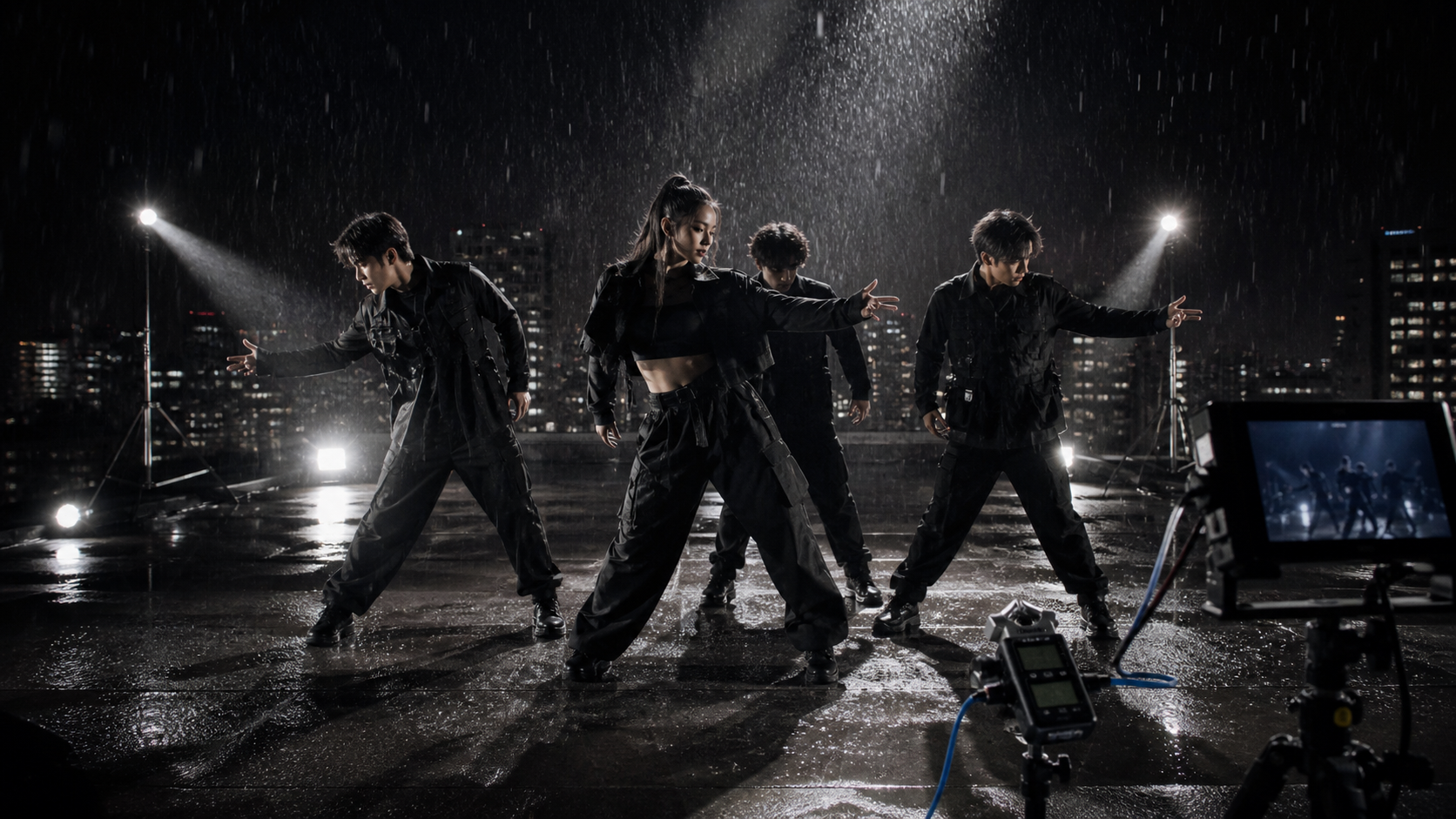
A Music-Led Performance production workflow concept
Illustrative workflow concept.

A Music-Led Performance

Provide audio as a sound reference and images for the requested appearance or styling. State what each source contributes, then describe the visible action and camera direction in the prompt without asserting an unverified synchronization result.

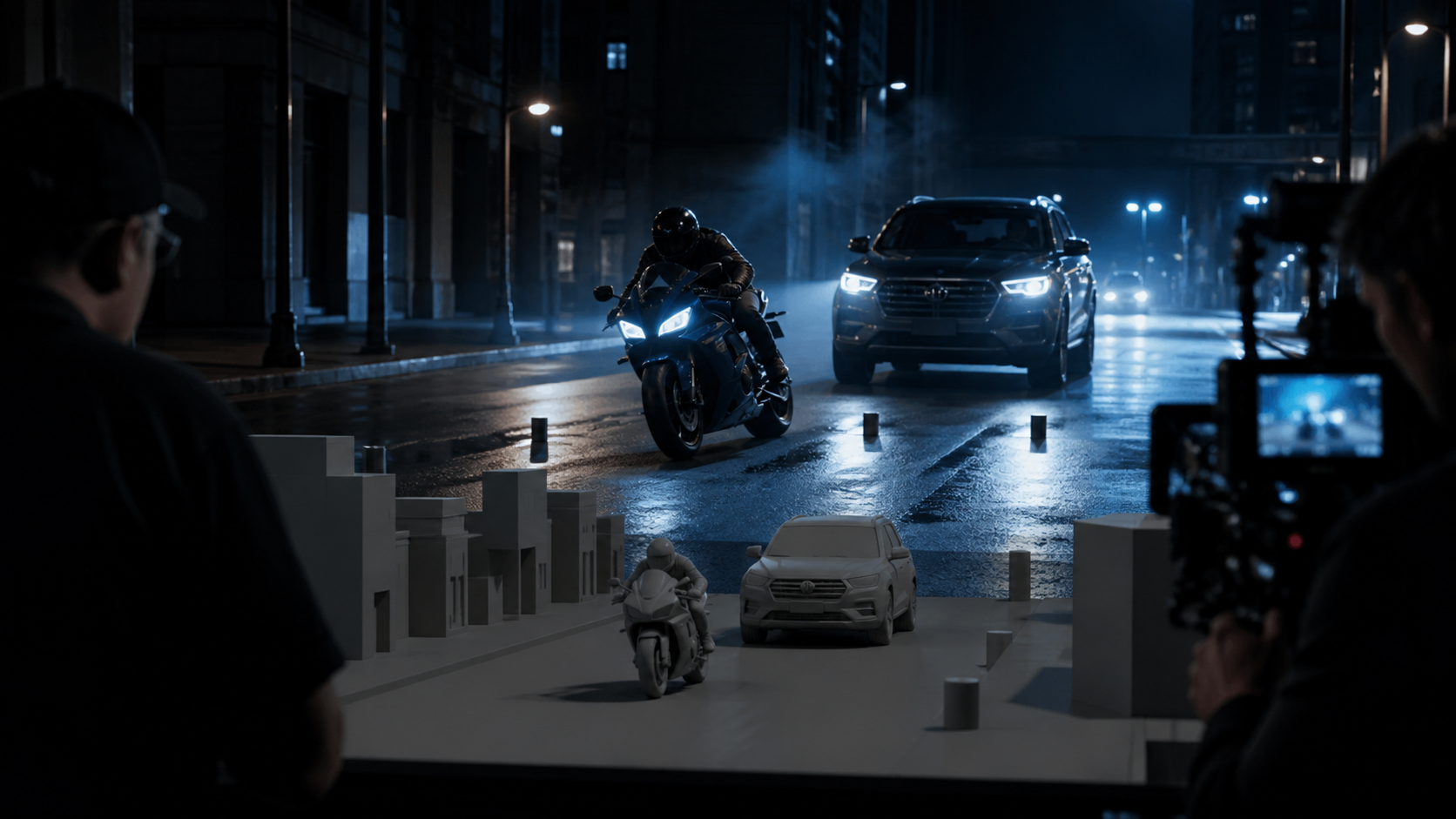
A Previsualized Action Sequence production workflow concept
Illustrative workflow concept.

A Previsualized Action Sequence

Provide a white-model video as a reference for movement, framing, pacing, and subject paths. Add separate image references for the requested vehicles, characters, or materials, so production structure and appearance have distinct input roles.

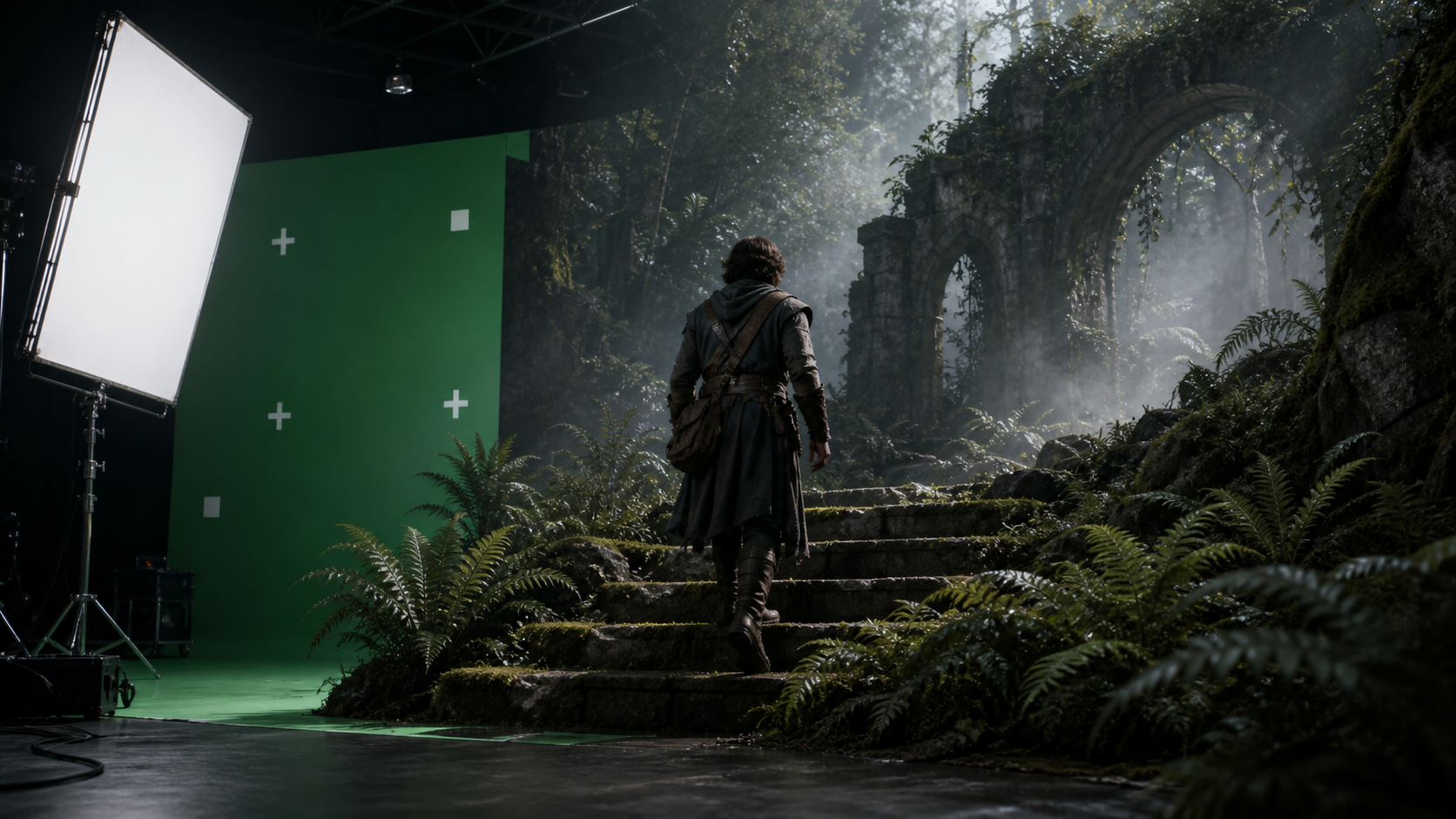
A Green-Screen Fantasy Scene production workflow concept
Illustrative workflow concept.

A Green-Screen Fantasy Scene

Begin with green-screen footage that contains the foreground performance. Request a replacement setting while identifying the subject and action to retain. The background description can cover environment, depth, atmosphere, light direction, and motion.

METHOD

Seedance 2.5 Capability Matrix

See input, editing, audio, and duration details for Seedance 2.5 alongside three current AI video models.

CapabilitySeedance 2.5Runway Gen-4.5Veo 3.1Luma Ray3.14
Text-to-video generationSupportedSupportedSupportedSupported
Image-guided generationImage referencesImage to VideoReference imagesPartial — Image to Video, no reference feature
Video-reference editingVideo references and focused editsNot documentedInput-video controlsModify Video
Native generated audioVideo with soundNot documentedNative audioNot supported
Longest documented durationUp to 30 seconds in one generation2–10 seconds8-second clips with extension5–10 seconds; extension up to 30 seconds
Audio reference as inputSupportedNot documentedNot documentedNot documented

Seedance 2.5 Plans for Your Next Video

Basic
$9.9
  • 200 credits included
  • One-time purchase
  • Credits do not expire
  • Account sign-in required for checkout
  • About $0.050 per credit
Most Popular
Plus
$29.9
  • 650 credits included
  • One-time purchase
  • Credits do not expire
  • Account sign-in required for checkout
  • About $0.046 per credit
Professional
$49.9
  • 1200 credits included
  • One-time purchase
  • Credits do not expire
  • Account sign-in required for checkout
  • About $0.042 per credit

ANSWERS

Seedance 2.5 FAQ

Get direct answers about inputs, duration, reference control, editing, sound, and the kinds of scenes the workflow can support.

Seedance 2.5 is an audio-video generation model for creating a video from a prompt and optional visual or audio references. The tool supports longer storytelling, reference-led control, and focused visual or sound edits. A single brief can therefore describe both what viewers see and what they hear.

Create Your First Seedance 2.5 Video

Enter your scene, add the references that matter, and start creating. For more help, open the full guide, or visit the pricing page.